
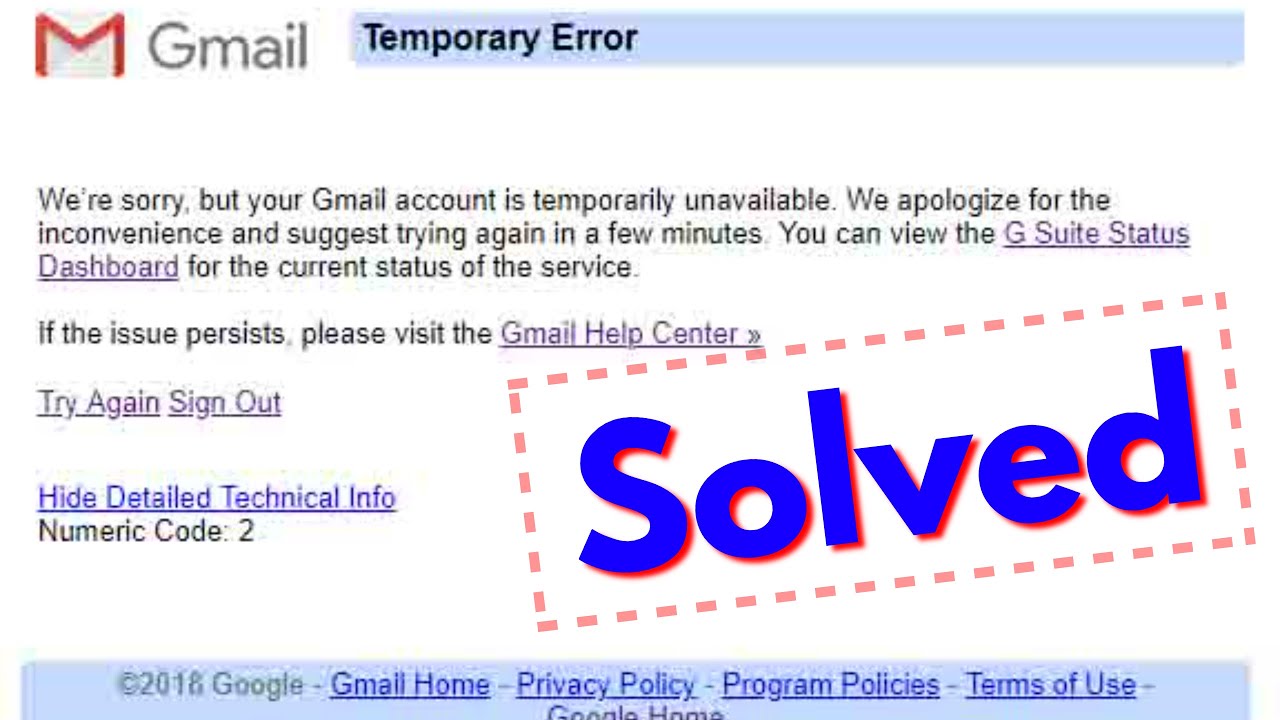
Gmail is the most popular email service provider offered by Google and is stable and technically advanced in its use. Although Gmail works brilliantly most of the time one of the most commonly occurred problems is Gmail error 500. It is the type of error which redirects to an error code 500 page with ‘Try Again’ and ‘Sign Out’ options after logging in to your account.
Usually, this problem is server related and it can occur due to slow network connections, corrupted browsing or third party apps. This can be resolved in the following ways :
- ∙ The first thing one should do for error 500 is to check the servers whether it is of Google or not as it relies on Google’s servers.
- ∙ Signing out of your current session and logging back in after several minutes can also help in resolving these types of errors as it resets the user data which may have got corrupted due to bugs and glitches.
- ∙ Restarting the device helps if there is a problem with the device’s operating system. ∙ We should check the network connection of your device as Gmail requires a stable internet connection as it is an online platform.
- ∙ Other methods involve turning off VPN, disabling the extensions, clearing cache and cookies and many other methods that can help to get rid of Gmail Temporary Error.
Reference: